The Independent's journalism is supported by our readers. When you purchase through links on our site, we may earn commission. Why trust us?
Best VPNs for Mac 2025, tested by a tech expert
Add online privacy to your Mac with these free and paid-for VPN services

If you’re logging on to a wifi network in a coffee shop or hotel, that network may not be secure. In extreme cases, it’s possible that a nefarious party could have set up a network to steal personal data. This could be passwords, credit card details or even just the email you’re sending.
With a VPN (virtual private network) in place, however, neither those operating the network nor those trying to hack into it can intercept your data, keeping private messages secure.
Additionally, when you’re travelling and find yourself in a country where certain websites are blocked, a VPN can make it possible to access them (just be sure to check local laws and restrictions around using VPNs).
A VPN also disguises just where in the world you are, so if you are trying to access data only available to, say, US residents, an American VPN gives the impression you’re there and not Tottenham or Timbuktu. This could be something as simple as accessing the dollar prices on products in an online store, rather than being redirected to the European sites.
If you’re a Mac user wondering which VPN service would be best for you, I’ve put a range to the test to bring you my honest review.
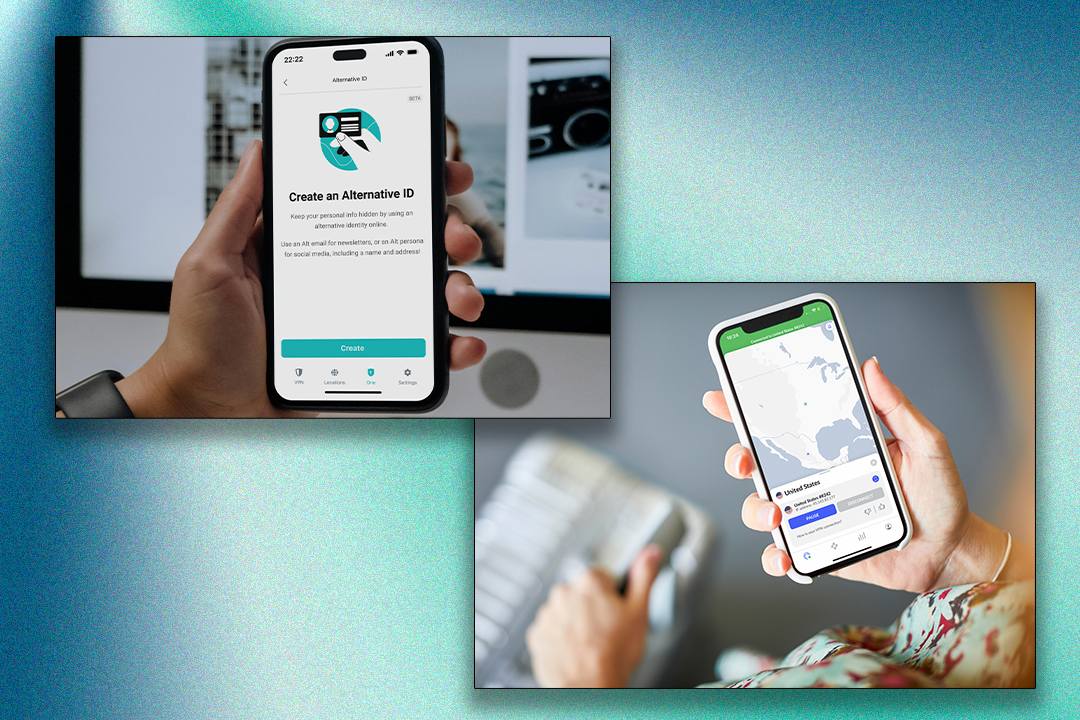


How I tested
After installing the VPNs on a MacBook Air, I checked out how simple or cumbersome it was to sign in to the service, and how easy it was to log in once setup was complete. I checked the VPN speed, looked into how much information the system saved, and whether there were services that couldn’t be accessed even with the VPN in use, or whether Mac built-in services were defeated by the VPN.
Why you can trust IndyBest reviews
David Phelan is a technology critic with years of experience testing and reviewing everything from smartphones and laptops to tablets, ereaders and more. David has particular experience in covering Apple products, so he is well-placed to assess which VPNs work best on Macs and iOS. At IndyBest, we only recommend products and services we’ve tested extensively under real-world conditions, to ensure our reviews are accurate, honest and unbiased.
Read more: How we test VPNs
The best VPN services for Macs 2025 are:
- Best overall – NordVPN: From £2.39 per month, Nordvpn.com
- Best free option – Proton VPN: From free, Protonvpn.com
- Best free VPN for light use – Hotspot Shield: From free, Hotspotshield.com
- Best for lots of connections – Surfshark: From £1.79 per month, Surfshark.com
- Best for ease of use – ExpressVPN: From £4.03 per month, Expressvpn.com
- Best for beginners – TunnelBear: From free, Tunnelbear.com
1NordVPN

- Best Overall
- Number of servers 7,400+
- Number of server countries 100+
- Number of simultaneous devices supported 10
- Why we love it
- Fast connections
- Great reliability
- Take note
- Interface less intuitive than some
NordVPN is one of the best-known VPNs, and it has a lot to offer. It has strong encryption, good reliability and excellent performance speeds – during testing, I hit speeds of more than 900Mbps. Though the interface isn’t as smooth as some other options, I enjoyed the overall experience. The VPN service has a wide reach, thanks to availability in more than 100 countries and a network of more than 7,000 servers. It’s easy to use, too: simply click on the NordVPN icon on your Mac, choose a country from the long list that appears and click ‘quick connect’.
There are lots of features here, including a claimed zero-logging policy – the company says it doesn’t collect or store information such as traffic logs, IP addresses or browsing data. Setup is easy and fast – plus, you can use one account with up to 10 devices, which is more generous than some rival VPN services. Higher tiers of subscription packages add malware protection, a password manager, encrypted storage and cyber insurance.
Like other VPNs, it’s cheaper if you sign up for longer. One month costs £10.19 for the basic level, but this drops to £3.89 a month if you sign up for (and pay for) a year. A two-year plan, which comes with three extra months, works out at £2.39 per month.
2Proton VPN

- Best Free option
- Number of servers 11,400
- Number of server countries 100+
- Number of simultaneous devices supported 1 (free tier), or up to 10 (paid-for tiers)
- Why we love it
- Simple connection and easy to use
- Take note
- Speeds sometimes slow
Swiss-based Proton is an affordable choice and even has a generous free level, which it offers because it says online privacy is a fundamental human right. The free offering is only for one connection at a time, whereas the paid-for levels allow up to 10. The free Proton VPN is supported by the company’s paying subscribers, so there are encouragements to upgrade to the paid level, with the promise of faster connections, access to servers in 85 countries (the free service only has five countries and you can’t choose which one you connect to), ad blockers and service support for streaming.
Proton VPN makes much of the fact that it’s optimised to run smoothly on the Mac. It has some features which aren’t on all other platforms, such as NetShield, which blocks ads and malware.
Paid subscribers can also use Secure Core, which routes traffic through multiple servers for extra privacy from even hi-tech snoopers, and a recent additional feature is ‘stealth’, which helps you get online in countries which are not partial to private connections. Speeds are on a par with NordVPN and Surfshark, that is, nudging 900Mbps.
If you opt for the paid tier after giving the free version a try, it’ll cost £8.09 per month, dropping to £4.09 per month if you pay for 12 months, or £3.59 a month if you sign up for 24 months.
3Surfshark

- Best For lots of connections
- Number of servers 3,200+
- Number of server countries 100+
- Number of simultaneous devices supported Unlimited
- Why we love it
- Unlimited connections
- Take note
- Can be slow at times
Accessible and easy to use, Surfshark offers a quick-connect feature and allows for an unlimited number of devices to be connected at the same time. This makes it a compelling choice for families who want to connect laptops, tablets, phones and even games consoles at the same time.
Mac users will enjoy the clean and simple design of the app. It’s easy to find your way around thanks to a big Quick Connect button dominating the main window.
There are more useful features, such as multi-hop connectivity, where Surfshark creates a VPN connection to a server and then bounces the traffic to a second VPN server for an extra layer of security. NordVPN (which also offers this feature) and Surfshark merged in 2022, but both still operate independently. Surfshark says it has more than 3,200 RAM-only servers (meaning it is run on volatile memory rather than regular hard disks), so there’s no risk of your data being stored. Speeds during testing were around the same as NordVPN, at 900Mbps, though your speeds may vary.
If you sign up on a monthly basis, the Surfshark starter tier costs £12.29 a month. A yearly commitment gives three extra months and costs £2.59 per month. Sign up for two years (you’ll get 27 months) for the equivalent of £1.79 per month.
4ExpressVPN

- Best For ease of use
- Number of servers 3,000+
- Number of server countries 105
- Number of simultaneous devices supported 8
- Why we love it
- User-friendly
- Easy to set up
- Good for streaming
- Take note
- Not the cheapest
With a minimalist and intuitive interface designed to get you connected as quickly as possible, ExpressVPN is superbly simple to use. The app settings are easily understood, and it’s straightforward to find the server location you want.
Its excellent ease-of-use and secure connections come at a price, but it includes a password manager and a year’s access to cloud storage. Like all VPNs, it can be slower than a connection without a VPN – all that encrypting and decrypting your precious data can take time. That said, it’s still very speedy, and some servers, such as the UK and New York ones, were often faster than more remote locations. Overall, speeds were easily enough for web browsing and streaming video without a glitch. A 30-day money-back guarantee means you can try the service out before you make a commitment.
The macOS version boasts a clean and intuitive interface, which works well with features like auto-connect to quickly connect you when you start the Mac, for instance.
Sign up for one month and it’s £10.46. Choose 12 months (you get three more free) and it’s £5.39 per month. The cheapest deal is £4.03 per month, when you pay for two years up front, get four months free and pay annually on renewal.
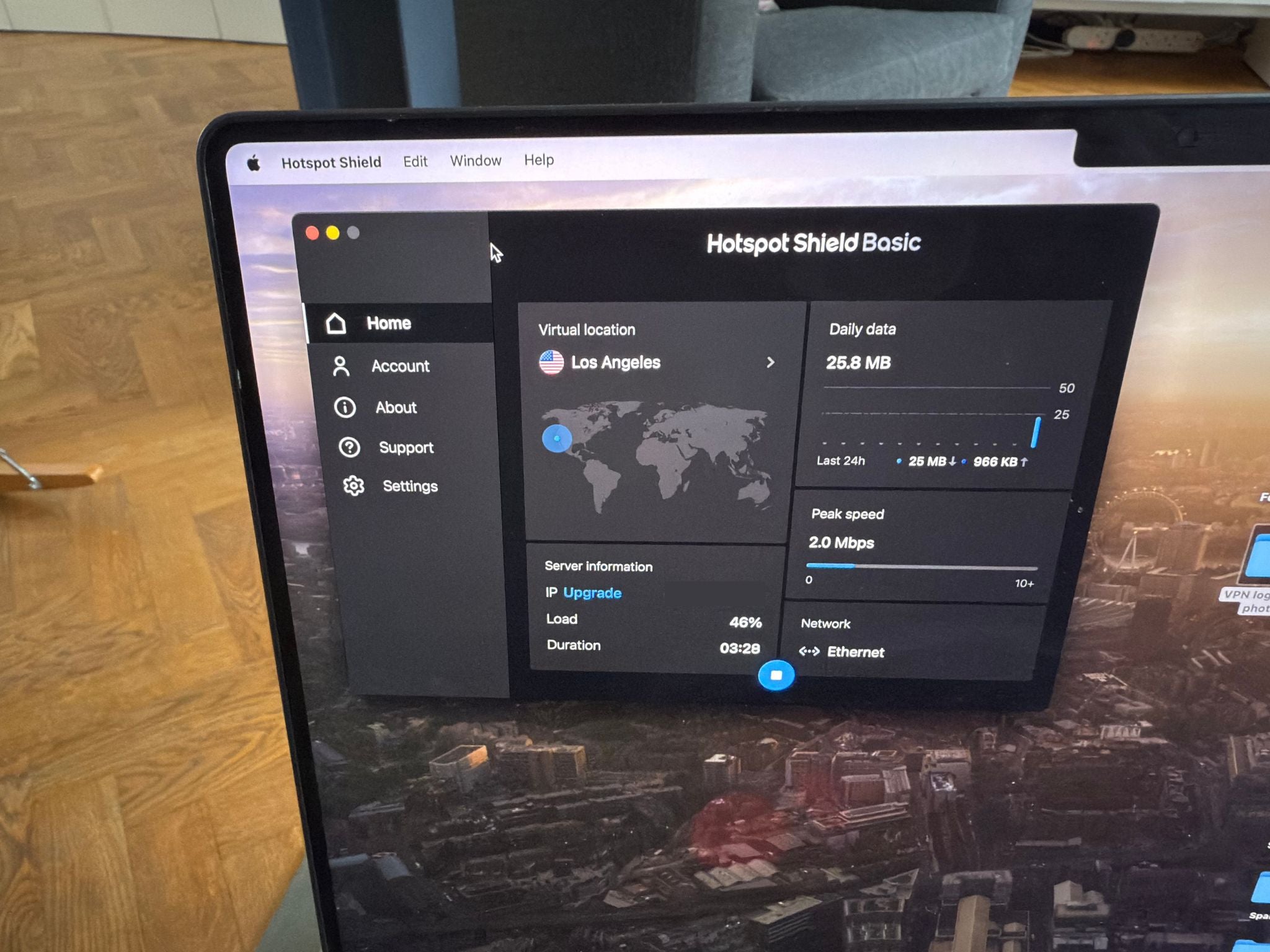
5Hotspot Shield

- Best Free VPN for light use
- Number of servers 800+
- Number of server countries 80+
- Number of simultaneous devices supported 10
- Why we love it
- Decent free service
- Take note
- Can be slow
If your VPN usage is going to be low, you could be tempted by a free service. It’s much better and safer to choose a reputable company that charges but has a free tier of access as well. That’s the case with Hotspot Shield. The free service is good, including almost all the features of the paid offering, but limited to one device. The free service is also limited to US servers. Things get better when you pay, thanks to support for more devices. For instance, you can connect up to 10 devices at a time.
The Mac version can be easily displayed in the dock or the menu bar, or both, which is especially convenient.
There’s also a useful auto-connect feature, so when you launch specified apps, the VPN jumps into action. There are plenty of Hostspot Shield servers (800) in more than 80 countries. Hotspot Shield says it’s faster than NordVPN or Surfshark but during my tests, I found it did well but not much better.
Signing up for a year of the paid-for tier works out at £6.99 a month.
6TunnelBear

- Best For beginners
- Number of servers 8,000
- Number of server countries 47
- Number of simultaneous devices supported Unlimited
- Why we love it
- Simple for beginners
- Good for streaming
- Take note
- Not compatible with smart TV accessories
If you’re new to VPNs, you may want the simplest choice. There’s a free tier with TunnelBear, and if you are a very light VPN user, this may be enough. You get 2GB of free data traffic each month, with access to the same range of servers as the paid-for version. Speeds can be variable, but I measured 500Mbps, which is beaten by many here, but still fast enough for most users. There’s no limit on the number of devices you can connect, but this doesn’t include the Amazon fire tv stick or games consoles.
It’s very user-friendly and simple with a straightforward, sometimes minimalist, design with cute features – the kill switch is called Vigilant Bear, which is a feature exclusive to the macOS version of TunnelBear. In fact, there seems to be a bear to guide you almost all the time. It’s more fun to use than most and well-priced.
The features are a little more basic than some other offerings, but they are still well-organised. TunnelBear states it doesn’t log any customer activity, and the company says it is the only VPN service to publish annual independent security audits of its apps.
The unlimited tier costs £7.55 a month if you sign up for one month, dropping to £2.50 a month if you pay for three years in one go.
What is a VPN?
A virtual private network is a cloak to keep your online activity hidden, achieved through software that masks your identity, hiding your data inside a virtual tunnel. At its simplest, a VPN consists of a series of computers networked together across the internet. The virtual tunnel is between you (and your computer) and a server operated by the VPN company. This tunnel is encrypted, so external internet traffic can’t see your data.
When your device is on the VPN, your IP address (that is, the network address for a computer on that network at that moment) appears instead to be the IP address of the VPN server, so your identity is hidden, too. Some VPNs have a free tier or free trial period. Using a VPN can slow your connection noticeably, so they’re not always worth using. Free services usually involve ads. A free tier of, say, 500MB a month can be used up faster than you might think, so always turn it off when you don’t need to use it.
Read more: CyberGhost VPN review
The verdict: VPNs for Mac
All the VPNs here performed well, at speed and with strong levels of security. NordVPN stands out as the best all-rounder, however, with good speeds and wide reach. If you have a lot of devices to connect, Surfshark and TunnelBear have no upper limit for simultaneous connections, making them ideal for families. If you want to dip your toe in the world of VPNs, Proton and Hotspot Shield offer decent free services.
Want more recommendations? We’ve rounded up the best cheap VPNs
Bookmark popover
Removed from bookmarks