Disney+ has cut prices for new and returning customers – these are the limited-time rates
Get your first three months for just £3.99 a month
Today marks your final chance to get Disney+ for a reduced price under the streaming service’s current deal. Whether you’re catching up onTaylor Swift: The End of an Era or getting lost in a must-see drama such as A Thousand Blows, it’s well worth checking out this offer for new and returning subscribers.
Sign up to Disney+ before 11.59pm tonight (Wednesday 28 January) and you’ll pay a lower fee for the first three months. This deal is available across all three Disney+ plans: standard with ads, standard (without ads) and premium. You can compare the plans on the Disney+ website.
Of course, the exact amount you’ll pay depends on which plan you go for. Below, I’ve set out the prices available for the first three months and beyond, plus some more ways you can save on streaming services such as Disney+, Netflix and Amazon Prime.
For more ways to save, join our money-saving WhatsApp channel
How much you’ll pay with this Disney+ deal
Here’s how much each Disney+ plan costs under this offer:
- Standard with ads: £3.99 a month for three months, £5.99 thereafter
- Standard: £6.99 a month for three months, £9.99 thereafter
- Premium: £9.99 a month for three months, £14.99 thereafter
When you sign up using this deal, you’ll save £6 on your first three months of a standard with ads plan, £9 on a standard plan and £15 on a premium plan.
Disney+ standard: Was £9.99 a month, now £6.99 a month for three months, Disneyplus.com
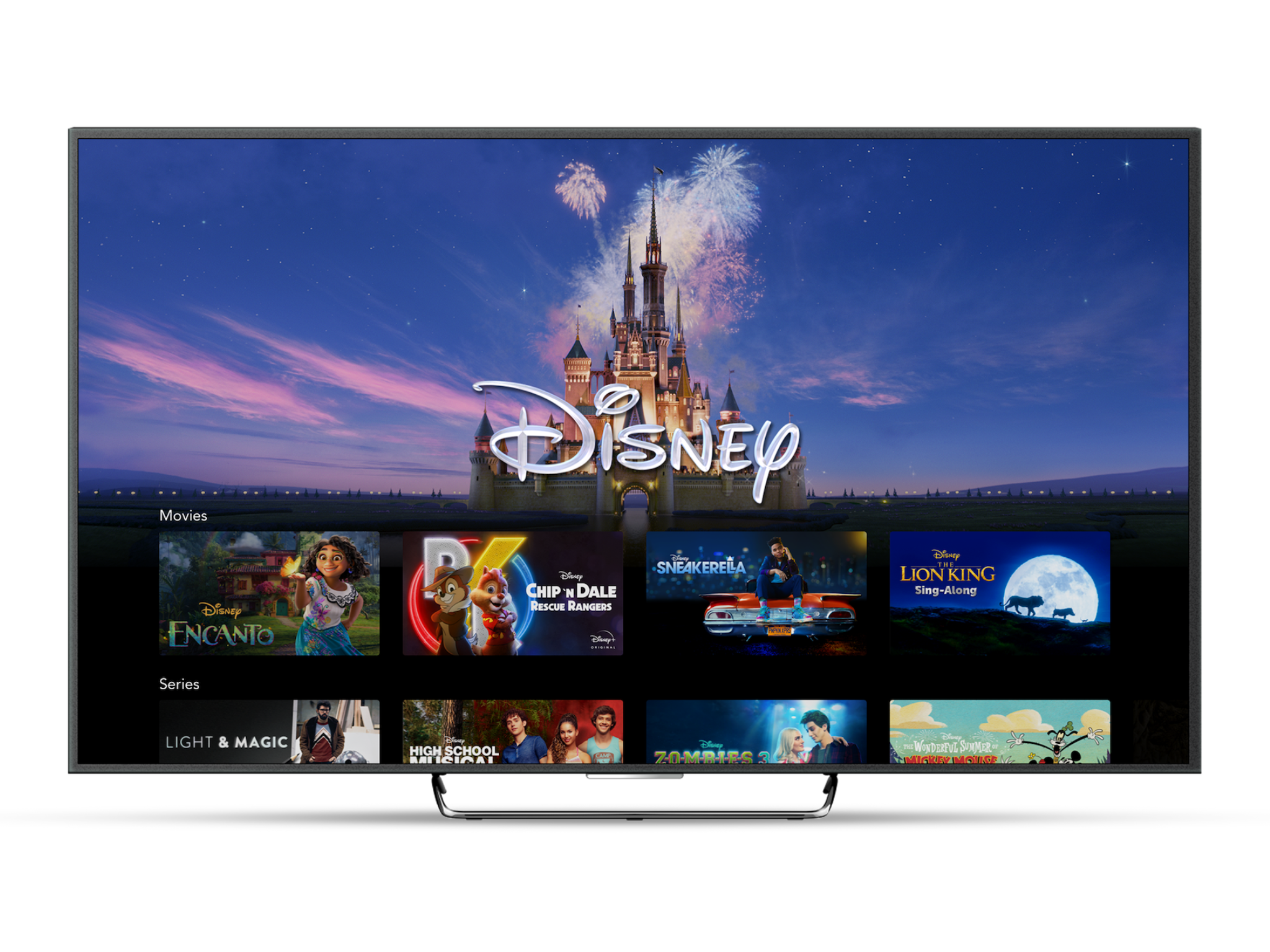
You have until Wednesday 28 January to take advantage of this deal. Once your first three months are up, your plan will auto-renew at the current price of your chosen plan, unless you cancel before then.
How to cancel your Disney+ subscription
Looking to cancel your Disney+ subscription? You’ll need to log in to your account on either desktop or a web browser on your mobile. Select ‘Profile’, then ‘Account’. Under ‘Subscription’, you’ll see your Disney subscription. Select this and then ‘Cancel subscription’. Click through until you get confirmation that your subscription has been cancelled.
More ways to save on streaming
There’s no need to overpay for streaming services – here are my top tips for watching TV and films for less.
Ditch and switch based on what you want to watch
Paying for Netflix, Amazon Prime, Disney+ and Now TV all at once? Most major streaming services allow you to cancel your monthly subscription for free, so you can save money by only paying for one and switching when you’ve finished the TV show you’re currently watching.
Sign up for an annual subscription
If you don’t want to swap and change between different streaming services, you’ll usually save money by locking in for a year. For example, with Disney+, the standard plan will cost you £119.88 across the year, whereas the annual plan costs £99.90, so by going with the latter, you’re essentially getting 12 months for the price of 10.
Start the cancellation process
Some major streaming services will offer a better deal to encourage you to stay, so it’s worth clicking ‘cancel’ to see if the service will offer you any deals to try and tempt you to stay with them.
Keep your eye out for deals
Like the Disney+ offer above, new discounts are always popping up, so it’s always worth a quick online search before you sign up. We'll keep you up to date with the latest streaming offers in our dedicated deals section.
Bookmark popover
Removed from bookmarks