Totally lit: How to shoot nights out on your smartphone, from camera settings to AI tools
From low-light shots to quick-fire editing, DJ Miamor shares her tips with music writer Hannah Ewens on capturing nights out as they unfold – with content ready to post straight from your phone


Become an Independent member to bookmark this article
Want to bookmark your favourite articles and stories to read or reference later? Start your Independent Membership today.
Join todayAlready a member? Log in
Hannah Ewens is a writer and editor specialising in music, culture, and profile interviews. She is the author of the non-fiction book Fangirls: Scenes From Modern Music Culture.
When you’re having the night of your life, the last thing you want to do is derail the action just to shoot content. You need to take photos and videos quickly, and know they’re going to be social-media ready – no matter how crazy the night gets.
The trouble is that every venue, club or bar comes with different lighting, movement and energy, which means you’ll have to be creative and flexible about how you shoot. But with the right techniques, and clever in-built phone features like low-light modes, AI editing and stabilisation, it’s possible to capture high quality, shareable content without missing out on any of the fun.
DJ Miamor, real name Mia, has emerged from the UK club scene, rising the ranks with eclectic sets specialising in R&B and Afrobeats. As a creator specialising in club and gig culture, she’s constantly documenting what’s happening around her on her phone, from sets and gigs, to tour locations and glimpses behind the scenes. It matters that it’s quality content too – because it’s part of her job to make her life and work look as vibrant as her DJing.
Recently, Mia began using the Samsung Galaxy S26 Ultra for shooting her nights out, and has never found it so simple to capture what she wants, exactly how she imagined. These are her top tips for shooting perfect photos and video at night, only using your smartphone.
Use your best camera for sharper low-light shots
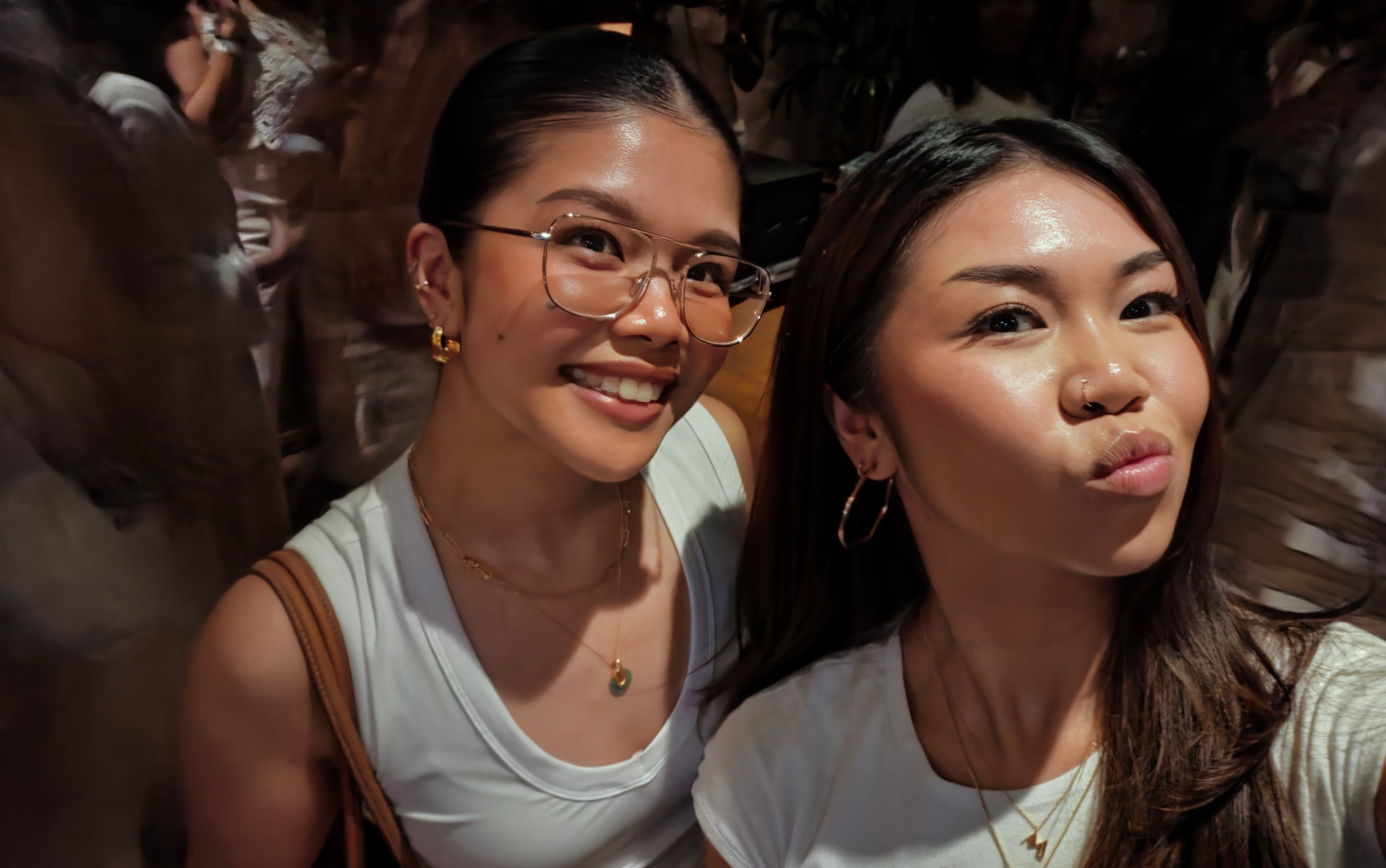
In low light venues, it’s important to prioritise shooting your footage on the highest quality camera you have. On most phones that camera is on the back of the phone. “When I want to film myself I want to use the back camera to film so I have to stick my arm out in the crowd. That’s something I don’t like to do because you have to be so cautious about your surroundings, and there’s so much going on” she says.
“With the Galaxy S26 Ultra, there’s an Advanced Selfie feature on that front camera, with the built-in AI processor so I can carefully take photos and videos on the front camera without worrying about my phone or body getting knocked.”
Clever AI tech also means you don’t have to worry about getting other people in the crowd in your photos. “It can be a minefield when you’re shooting nights out because people are everywhere and often they don’t want to be in your content,” she says. “In the Creative Studio* on the phone you can tell AI to remove or add in objects and items, and I found it so easy to use the stylus to circle something – or someone – and delete them from the shot.”
Adjust exposure and use night modes for better low-light photos
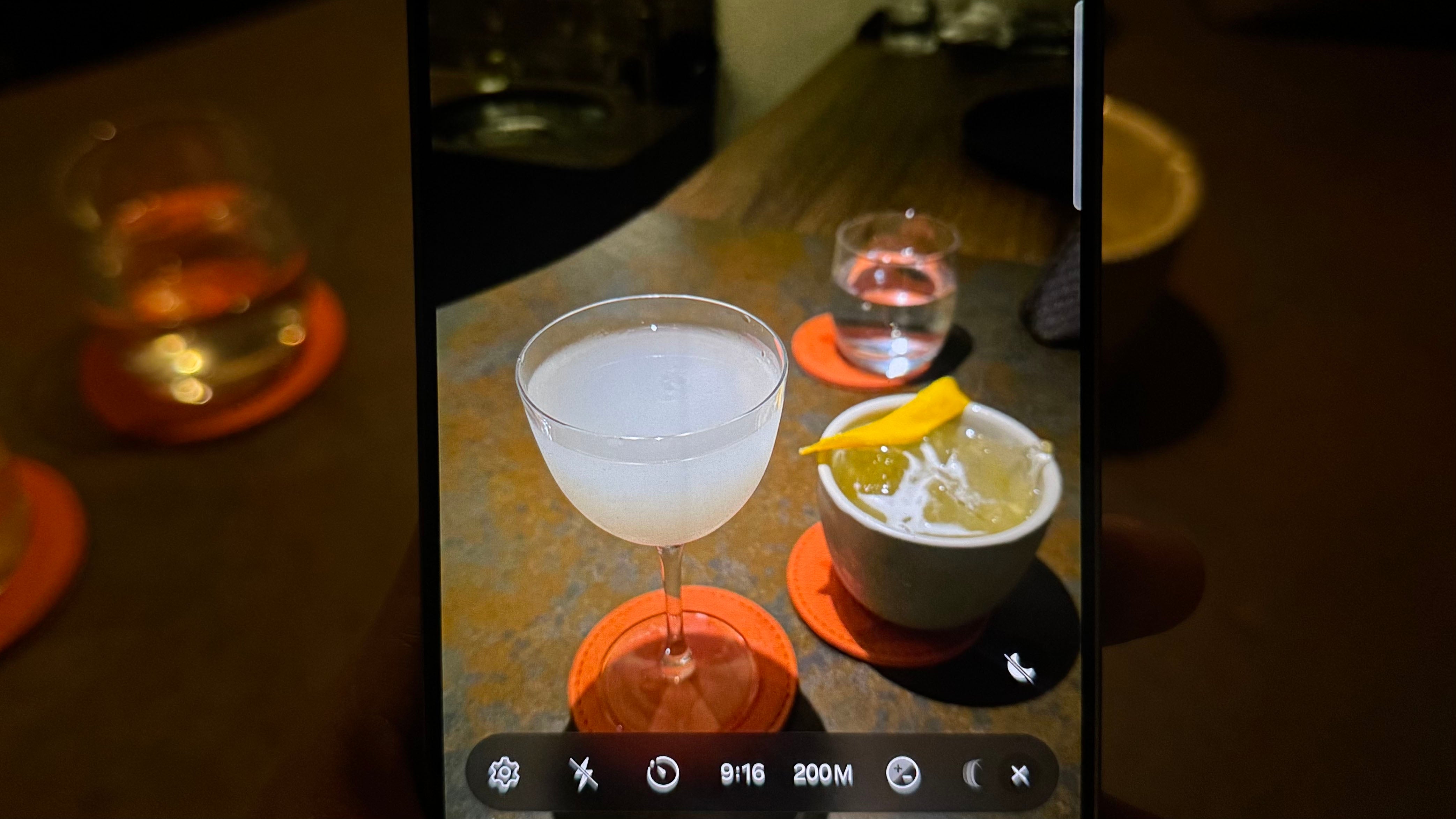
Trends in nightlife photography come and go – and currently the aesthetic choice is low light, low exposure. “When I lower the exposure, it picks up the lighting and stops it from looking too artificial and more cinematic,” she says.
All of that is easily achieved in the camera app with Galaxy S26 Ultra. Features like Nightography Mode and Video** help balance low light automatically, keeping images clear without losing atmosphere.
Edit discreetly using built-in tools and privacy features
There’s nothing more awkward than wanting to select and edit your photos while people stand over your phone watching – especially if you have a public profile like Mia. The Galaxy S26 Ultra’s Privacy Display† helps with that, without you having to find a secret place to edit.
“Usually you have to buy a privacy screen protector because phones are so bright and everyone can’t help themselves from spying on you,” she says. “But this is built into the tech of the phone. I’m quite socially anxious so this feature stops me from worrying about people watching me.”
All the editing functionality sits within the device’s camera app too, compared to other phones where you have to download and pay for apps that do different things – so the process is much quicker and easier, she adds.
Shoot more content so you don’t miss the moment
Everyone wants the perfect shot – but no one should leave snapping that perfect shot to chance, especially when you’re talking about nightlife content with so many tricky variables.
“Capture as much as you possibly can,” she advises. “I find that with around 50 per cent of the footage I take, I don’t like or it’s the wrong moment, so I always try to shoot more, then I have plenty to pick and choose from.” Helpfully, with a 5,000mAh‡ battery, the Galaxy S26 Ultra’s charge is so extensive, Mia can shoot lots of photos and footage without having to worry.
.jpeg?quality=75&width=230&crop=3%3A2%2Csmart&auto=webp)
Keep your content natural and true to the moment
.jpg)
There’s a reason why DJs and nightlife workers don’t like to rely on the officially shot club photography. It’s too staged, too corporate and not ‘real’ feeling enough. “I always try to translate my experience – whether that’s talking to the camera or filming other people’s experiences or giving a review,” she says. “What works with the algorithm is content that’s personable and not too over-edited. People want to follow people and engage with people who are on a journey.”
The intimacy of your experience can be emphasised by clever phone tech and specs. For instance, Mia loved using the Dual Camera feature in which you capture what’s in front of you and yourself. “Getting those two perspectives was amazing for content,” she says. “Sometimes you see people spamming their social media with bad videos of the stage or of themselves – but with this phone, you can capture it in one, which culminates in a more fun video.”
Keep your setup simple so you can enjoy the night
It sounds obvious but if you’re overly focused on your content creation you’re not going to be having a good time – and that will be reflected in what you’re shooting.
“Make it as simple as possible for yourself – take as minimal equipment as you can so you can just enjoy the moment,” she says. “I love how the Galaxy S26 Ultra has so many features and abilities built in so it’s just one very light, very portable product to carry and it’s so intuitive to use.”
Find out more about the Samsung Galaxy S26 series and Galaxy S26 Ultra camera and AI features at Samsung
*Requires network connection and Samsung account login. Accuracy of output not guaranteed.
**Results may vary depending on light condition, subject and/or shooting conditions.
†Requires manual activation in settings to function. Privacy Display feature is not AI powered.
‡Typical value tested under third party laboratory conditions. Rated minimum capacity of the Galaxy S26 Ultra is 4,855mAh.
Bookmark popover
Removed from bookmarks