Level up your workout content: Creator tips, from set-ups to AI phone tech
Fitness writer Emilie Lavinia speaks to running creator Beth Fletcher about how to improve your workout content using your phone – from filming techniques and simple set-ups to AI-powered editing and camera tools


Become an Independent member to bookmark this article
Want to bookmark your favourite articles and stories to read or reference later? Start your Independent Membership today.
Join todayAlready a member? Log in
Emilie Lavinia is a fitness, health and wellbeing writer and editor, who reports on news, trends and investigates our relationship with health.
Fitness influencers are the new rockstars, amassing millions of followers and creating online communities around their training journeys. Beth Fletcher – a running creator based in Macclesfield – has built a growing audience thanks to her relatable style and ‘give it a try’ approach to fitness content.
After getting into running after her dad (a keen marathoner) encouraged her to take it up, Beth went from running her first 5K to 50K and now takes part in the world’s biggest races, bringing her followers along for the ride. Beth’s view is that anyone can take up running and anyone can document it, with the right tools and know-how.
“I like taking pictures, so I asked my brother, “Should I start an Instagram and start posting on there?” He said, “Sure, why not?” Then I signed up for my first half marathon. I just documented my journey and then the videos and pictures probably weren’t very good, but I was just doing it for myself, to keep showing up.”
After that, Beth signed up for her first marathon, followed by an ultramarathon and began documenting races and training sessions on her phone. Now, she films everything – runs, gym sessions and race days – on her phone.
“I didn’t start documenting to be like, ‘Look at me, I’m gonna get all these fast paces. I’m gonna beat all these records’,” she says. “I just wanted to be like ‘Yeah… this is who I am. I’m just an average runner, like everyone else.’”
Here, she shares her creator tips for levelling up your content, no matter your running pace, with the Samsung Galaxy S26 Ultra.
Why authentic fitness content performs better than “perfect” videos
Beth believes the biggest mistake new creators make is mistaking perfection for professionalism. “Don’t overthink it, is the main thing,” she says. “Because a lot of people do. A lot of people try to get the perfect video. But there’s no such thing.”
Instead, she thinks audiences respond to the slightly messy, slightly chaotic reality of just showing up and giving running their best shot.
“That’s what comes across as authentic to people,” she adds, “When you’re just like, ‘Oh, it’s taken me three tries to do this, but here’s the fourth try, and it’s gone well.’ I’m not in the perfect outfit, but it doesn’t matter because I showed up.”
She says: “At the start I probably made shakier videos, or I was too close or too far away but you start to learn where you are in the frame and what actually works the more you try.”
How to film workout content in short bursts for better results
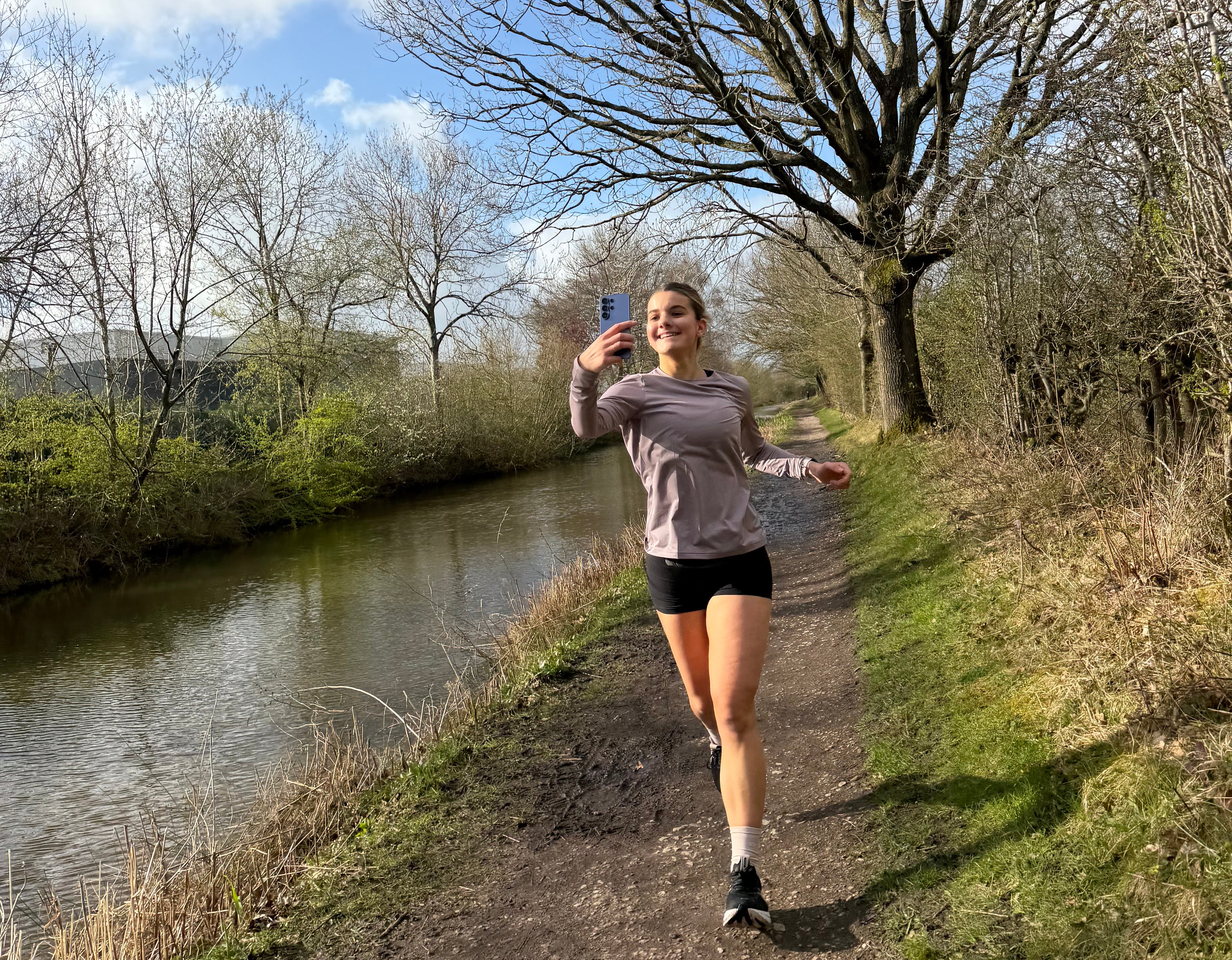
When you’re running, it’s hard to stay still, and it’s even harder to look like you’re not thinking about the camera. Beth’s trick is to keep the filming window short and keep it moving.
“When you’re running, it’s hard to keep still when your arms want to move,” she says. “So my tip is that I’m not recording for minutes at a time – it’s 30 seconds here, 10 seconds there because that feels comfortable.”
“You can edit clips together so I don’t do long takes. Sometimes during a race I’ll quickly get my phone out or I’ll ask someone waiting for me halfway to film me. I film quickly, then everything gets put together afterwards.”
How to use phone stabilisation for smoother fitness videos
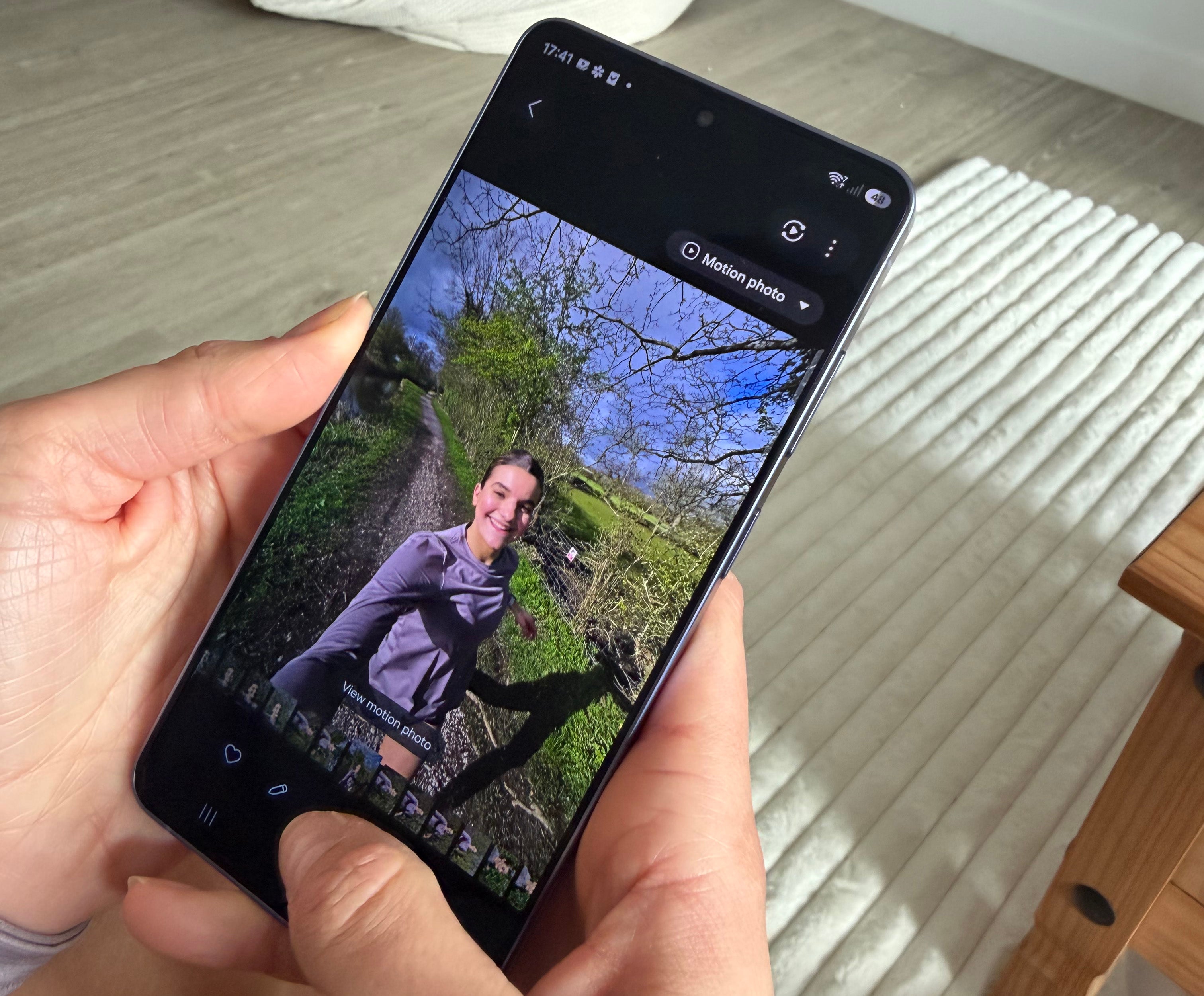
Running footage can look shaky even if you’re a strong runner. Your stride, your breathing, the uneven ground, it all shows up on camera. Beth says she relies on the Galaxy S26 Ultra’s Super Steady Video with Horizontal Lock* feature for making content feel instantly more professional.
“You need a camera that’s stable,” she says. “I’ve tried a few things and I was really surprised by how this function keeps the image steady while you’re filming or going along.”
This obviously helps with the aesthetic of the shot, but it also reduces the mental load and means as a runner, you can focus on the run itself.
“I think that’s what a lot of people worry about,” she adds. “Because the phone does it for you, you don’t have to stress about that. It’s nice because then I’m not worrying about how aesthetic the shot looks. I’ve got more confidence.”


How to improve audio quality in outdoor workout videos
Audio is often the part creators ignore, until they hear wind roar over a voiceover. Beth says the Galaxy S26 Ultra’s Audio Eraser** is her secret weapon.
“I always wear headphones because sometimes the sound of my own breath throws me off when I run. I think, ‘Oh no, I sound like I’m struggling!’ And I know that’s being captured in the video too. And especially where I’m living at the minute, there’s a lot of traffic and it’s very windy. But I have tools that mean I don’t have to worry about that.”
“You can’t easily get rid of outside noise when you’re filming so you have to rely on your editing tools. With Audio Eraser**, I can remove extra noise immediately. I’ve tried to do this with apps I’ve downloaded in the past and it always changes my voice or sounds weird but now I can just film and then quickly edit the sound after.”
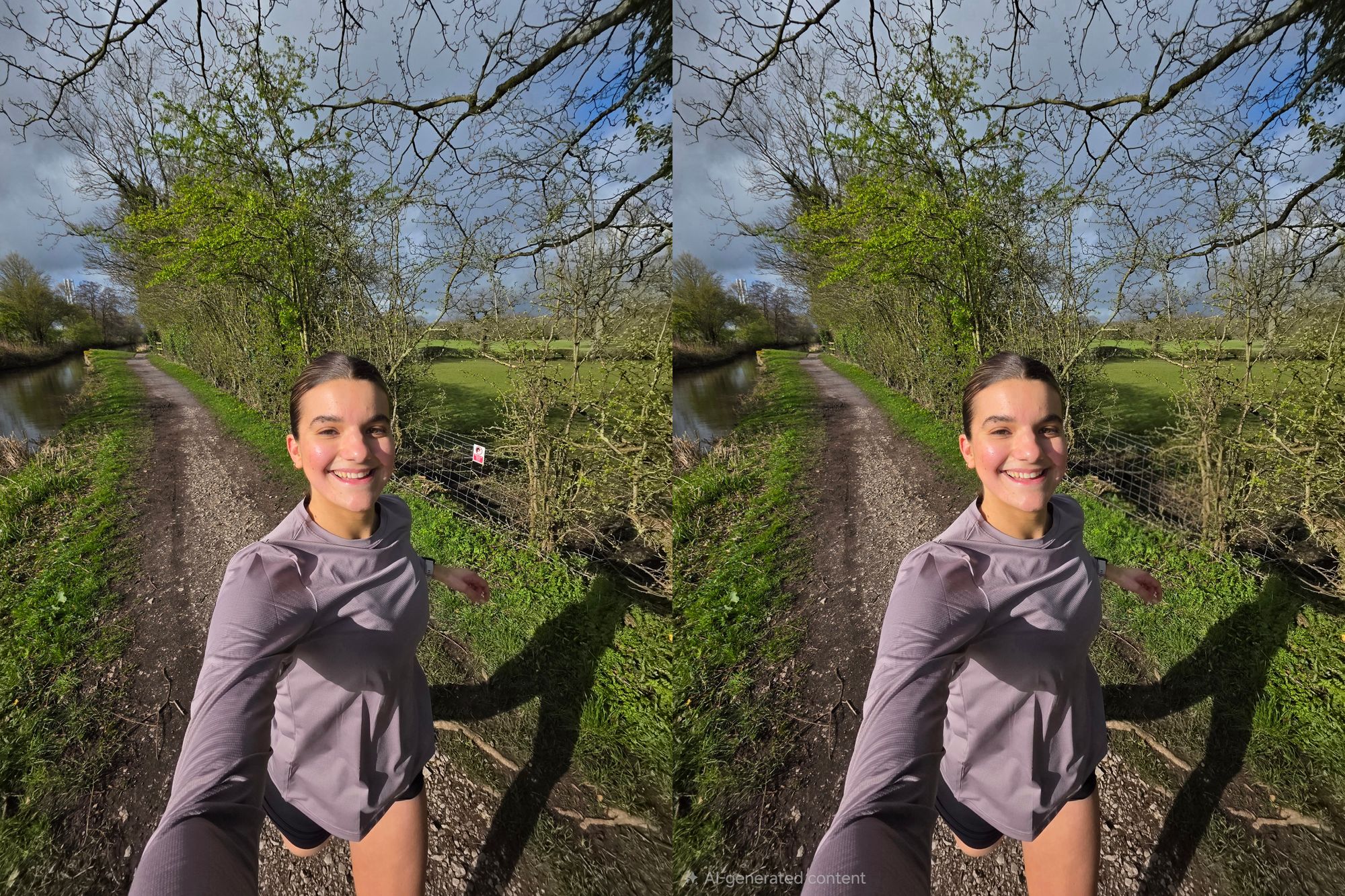
There are also visual distractions, like rogue crisp packets in the background of otherwise beautiful shots, or people milling around at races. Beth says that it’s near impossible to get a perfect shot, especially if there are lots of other people around you, so your best bet is to relax and handle things afterwards with editing tools.
“With Photo Assist† you can literally press ‘Edit’, circle around something – or someone – you want to erase and it’s gone. It removes it completely and doesn’t leave weird beige blurs like some editing apps. And you usually have to pay for those!”
How to choose the best environment and lighting for fitness content
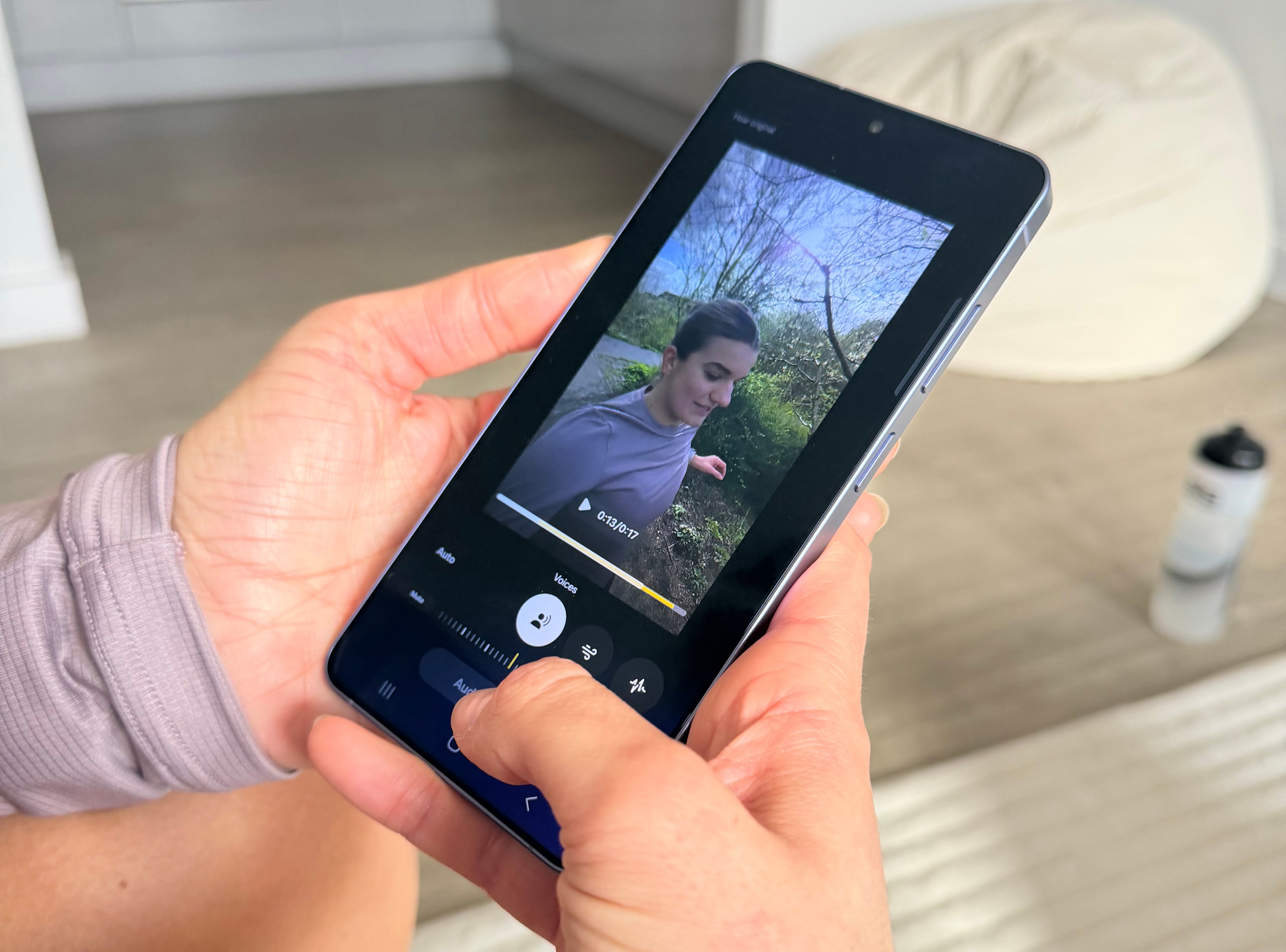
Beth chooses her surroundings intentionally. She prefers trails over roads, partly for the vibe, and partly because it makes running feel less intense.
“I prefer trail running to road running,” she says. “With trails, you go up the hill, you walk that bit, then you stop at the aid station, have a little snack. Carry on. There’s less pressure. But things can look a bit samey or sometimes it’s dark or gloomy outside.”
Her lighting advice is simple and a classic tip for any budding content creators: chase the open sky.
“Wherever you are, try to reach for where the natural light is coming from,” she says. “Even on darker days you do have brighter points. I’ll often run where it’s a bit more open. I love the Samsung Weather app – I’m always checking it or looking for prompts on my phone about the conditions for a run, sunrise, sunset and wind.”
“If it’s dark, I have the flash on or I’ll use Nightography Mode or Video‡. I don’t carry big lights or tripods or anything like that.”
How to keep your fitness filming set-up simple and effective
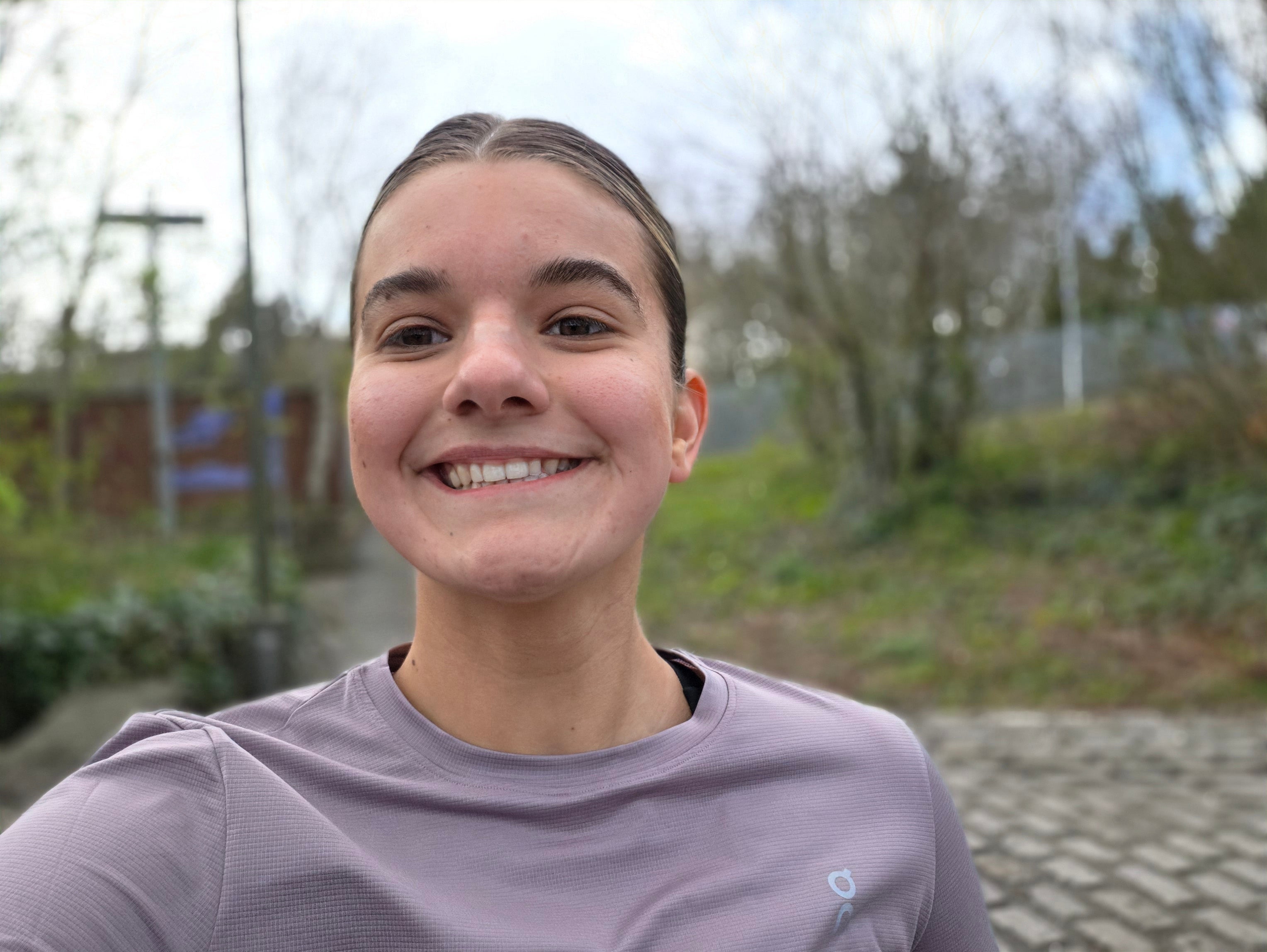
Beth’s approach to filming is deliberately low-effort. She doesn’t want the vibe of a production shoot. “A lot of people have a lot of setups that make it look a bit forced or a bit ‘not natural’,” she says. “But that’s never what I wanted to do.”
“I love just using anything for a tripod,” she says. “I’ll put the phone on the kitchen surface, a bedside table, a drinks bottle, or when you’re out on a little fence. A phone is really easy and accessible to everyone.”
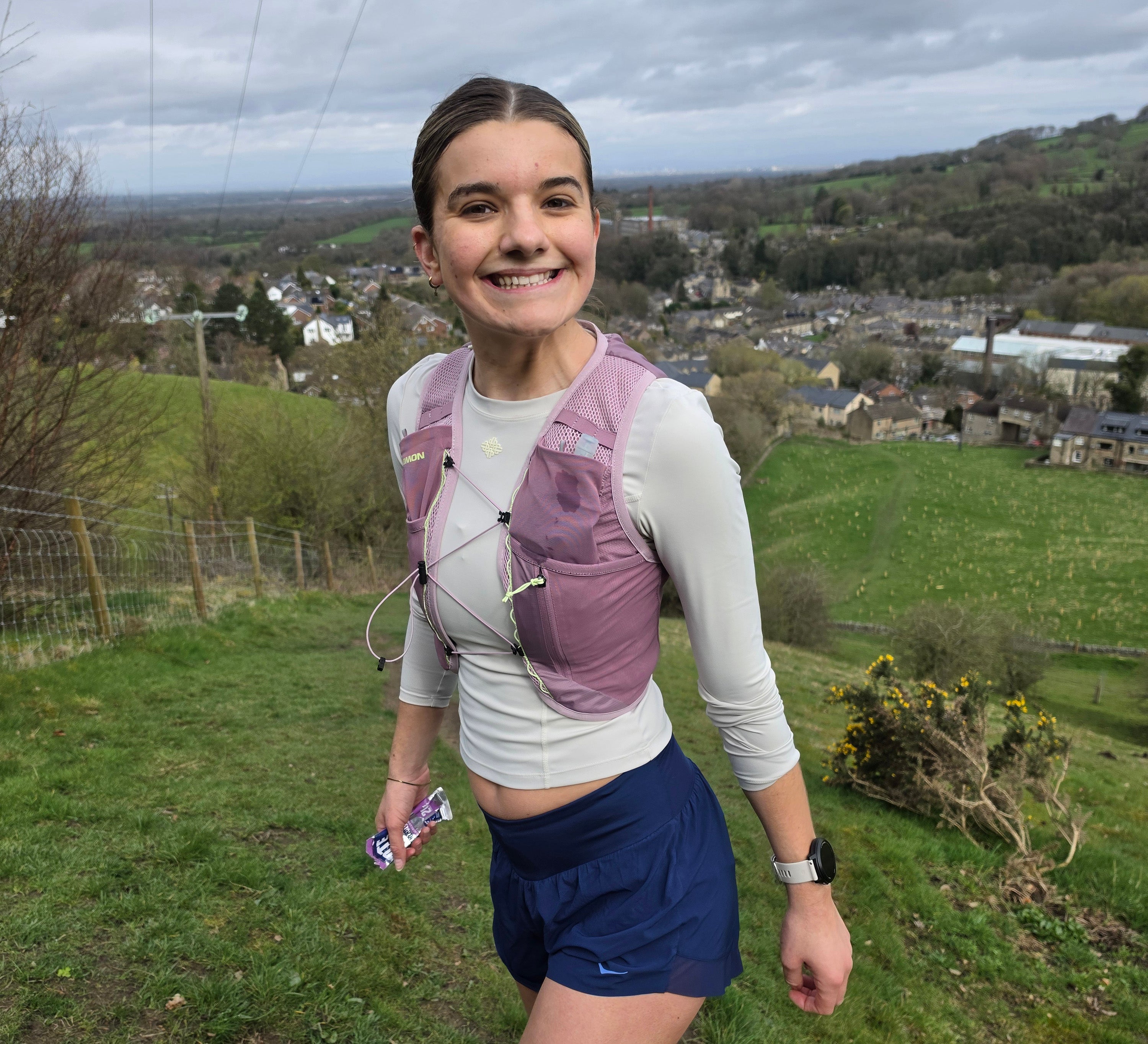
However, while she’s happy with a generally fuss-free approach, she notes sharpness and picture quality matters, particularly when you want to elevate content. The Galaxy S26 Ultra’s 200MP Main Camera is built for crisp action photography, whether you’re mid-stride on a trail or finishing a race.
Beth’s final tip isn’t about cameras at all, it’s about confidence.
“Just go for it,” she says. “Record yourself what you’d naturally do anyway… and don’t try to be someone else.”
And if you have a phone that can stabilise your footage, sharpen your shots, erase background noise, and edit in seconds? You’re well on your way to a PB.
FAQs: Creating workout content on your phone
Find out more about the Samsung Galaxy S26 series and Galaxy S26 Ultra camera and AI features at Samsung
*Super Steady results may vary depending on editing method and/or shooting conditions.
**Samsung account login required. Six types of sound can be detected; voices, music, wind, nature, crowd and noise. Results may vary depending on audio source & condition of the video. Network connection required to be used on supported apps.
†Requires network connection and Samsung account login. A visible watermark is overlaid on the saved image to indicate it was generated by Galaxy AI. Accuracy of output not guaranteed.
‡Results may vary depending on light condition, subject and/or shooting conditions.
Bookmark popover
Removed from bookmarks